




















Your new router screams Wi-Fi 6/7, but the tower under the desk was born when 802.11ac was cool.
A USB upgrade costs < 5 % of a new rig and—if you pick the right dongle—delivers router-grade speed in under ten seconds. Below are four COMFAST “long-cord” adapters that hide nothing: high-gain antennas, latest chipsets, gamer latency, and desk-fluency good looks.
1. CF-977AX “Phoenix” | Wi-Fi 6 | 5 374 Mbps tri-band
- First USB adapter to open the 6 GHz band (5 160 MHz + 2 80 MHz).
- 1 m braided extension = front-port freedom + zero accidental kicks.
- RGB pulse tells you the band you’re on; driver-free on Win 11.

2. CF-979AX “Mecha” | Wi-Fi 6 | 5 374 Mbps tri-band | e-sports tune
- Same tri-band radio, different firmware: UDP packets prioritised, latency locked < 3 ms.
- Stealth LED behind the grille—no disco while you clutch the round.
- Magnetic base sticks to PC case so it always faces the router.

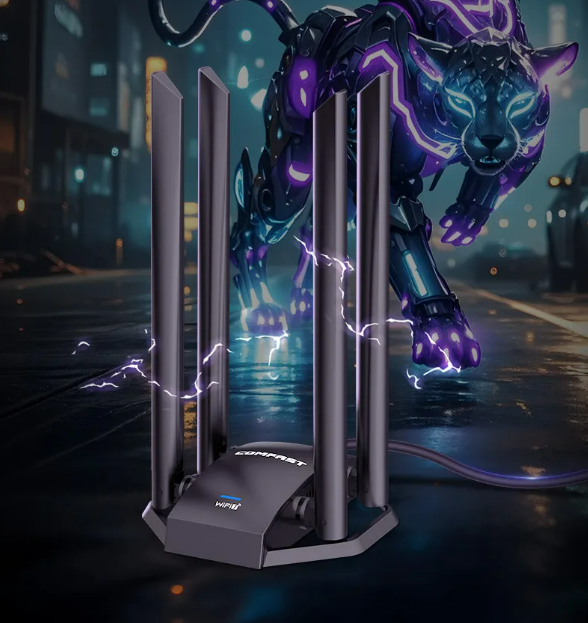
3. CF-985BE | Wi-Fi 7 BE6452 | 6 452 Mbps
- Four fold-flat antennas, 4K-QAM, 320 MHz channel-ready.
- MLO (Multi-Link Operation) aggregates 5 GHz + 6 GHz for < 2 ms jitter.
- USB 3.2 Gen 1 cable detachable—if the dog chews it, swap a $3 cable, not a $60 adapter.
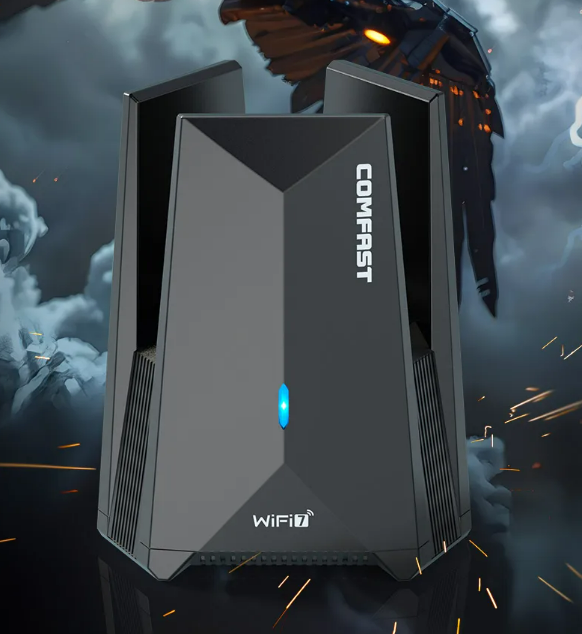
4. CF-986BE “Radar” | Wi-Fi 7 BE6452 | flagship
- Directional 4×4 array; rotate the dome 30° and watch RSSI jump 8 dB—perfect for town-house gardens or loft setups.
- Built-in heat-pipe so the 320 MHz radio never throttles.
- Future-proof: 6 GHz uplink OFDMA, WPA-3 Secured, ready for 802.11be Wave-2.
Why the extension cable matters
✓ Moves antennas away from RF-noisy case & PSU.
✓ Lets you park the dongle on a shelf for line-of-sight.
✓ Saves the USB port from daily wear—cable dies, adapter lives.
Driver drill
All four show up as generic AX/BE cards in Windows 10/11, macOS Sonoma and most mainstream Linux kernels ≥ 6.2. Plug → 7 seconds → online.
Match rule
Router Wi-Fi 6 → pick 977AX or 979AX.
Router Wi-Fi 7 → pick 985BE or 986BE and actually use those 320 MHz channels.
Looks that thrill, latency that kills—choose your fighter and turn the aging desktop into a first-class citizen of your gigabit network.


