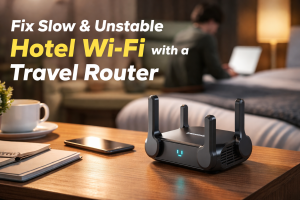
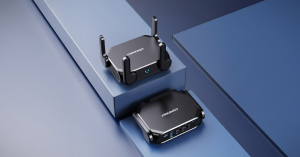
A repeater is the cheapest way to cure a dead spot, but “plug in and forget” only works if you park the thing in the right place. Move it ten feet and you can turn a £20 miracle into a £20 paper-weight. Follow the three-step ruler:
1. Signal must be “just right”
– Stand beside the main router: 4 bars → too close.
– Stand in the dead room: 1 bar → too far.
– Walk back until you drop to 3 bars (about –65 dBm in most phones).
That is the sweet spot: strong enough to feed the repeater, weak enough that the amplified zone actually covers new ground.
2. Stay within five metres of where you sit
A repeater has tiny antennas. After it re-broadcasts, the signal still has to reach your phone, TV or laptop. Brick or stud walls eat another 3 dB each; steel wardrobes eat 6 dB. Put the unit on the bedroom side of the doorway, not in the corridor behind the boiler.
3. Give it clean power and air
– Wall socket only – no extension leads full of phone chargers.
– Keep 10 cm clearance on every side; inside a cupboard the radio overheats and throttles.
– Do not share the double socket with a kettle or microwave; both create electrical noise and heat.
Pro tip: COMFAST repeaters (CF-XR185 V2, CF-WR773BE, etc.) store the login credentials in flash. Once paired you can unplug, move, even take them on holiday; when power comes back they rejoin the original network automatically.

Park it in the 3-bar zone, five metres from your sofa, with fresh air and a clean socket. Then run a speed test—you should see 70-80 % of the bandwidth you get beside the main router. If the number is still low, you did not buy the wrong gadget; you just need to walk another three feet.