





















Mesh in the Real World: 6 Things to Check Before You Buy
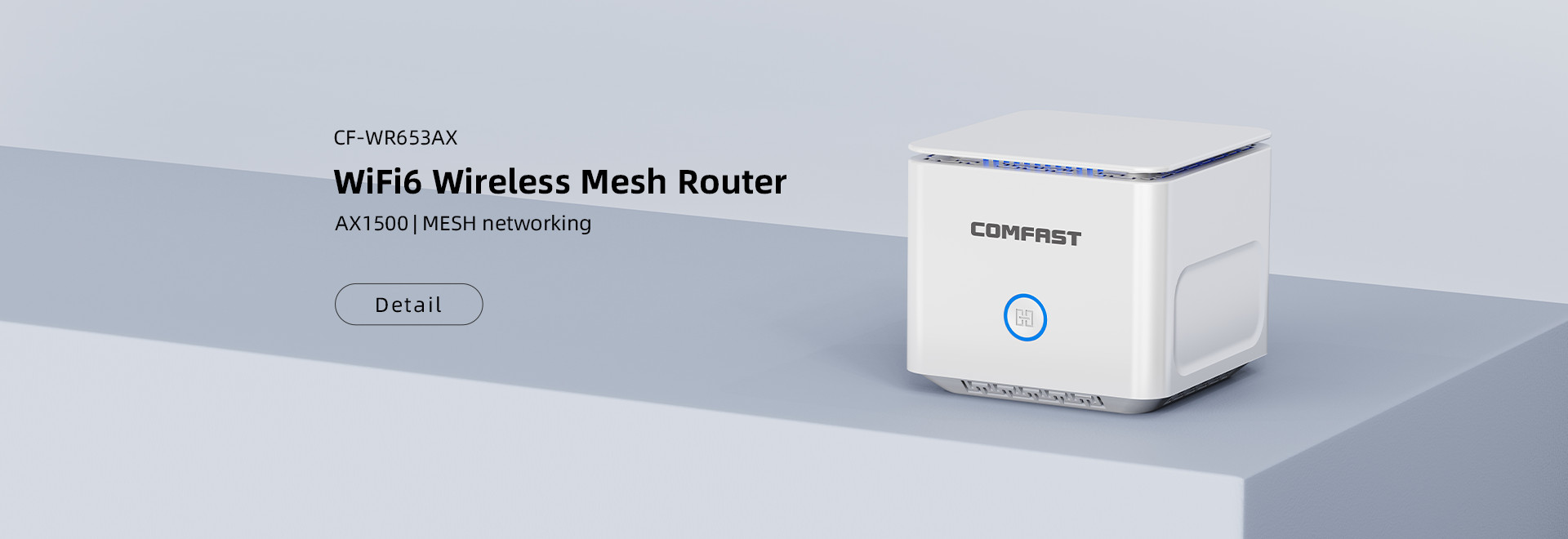
Mesh kits promise “Wi-Fi everywhere, one name, zero drops,” but the magic only happens if you set the stage correctly. Run through this quick list before you click “buy” or drill holes in the drywall. 1. Start with the right pack – One-pack = upgrade your main router only....

Currently Using WiFi 6—Is It Necessary to Upgrade to WiFi 7?
Many WiFi6 users have some doubts. Although the new generation WiFi 7 technology has gradually become popular, the WiFi 6 they use is still mainstream. Is it necessary to upgrade? If so, what are the most obvious differences? Those struggling can review these analyses: Wi-Fi 7’s Core Advancements Wi-Fi 7...

How to Check How Many Devices Are Connected to Your WiFi? Here’s a Detailed Guide!
A user asked: “I’ve noticed a noticeable decrease in my home network speed lately, with frequent lags, but I haven’t added any more devices to my network. I suspect freeloaders are squeezing my speed. Where can I check which devices are connected to my WiFi?” Detailed Instructions: Check via the...

When Should You Actually Replace...
1. Age is not the boss—stability is 3–5 years...

USB 2.0 vs USB 3.0...
1. Speed USB 2.0: 480 Mb/s on paper → 25-30...

Wi-Fi Repeater “Not Working”? You...
A repeater is the cheapest way to cure a dead...